Troubleshooting
In case of problems, follow these steps:
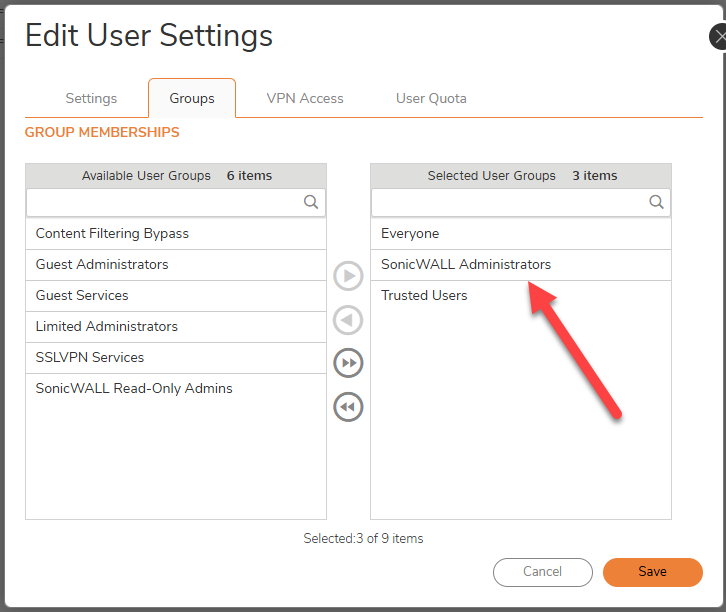
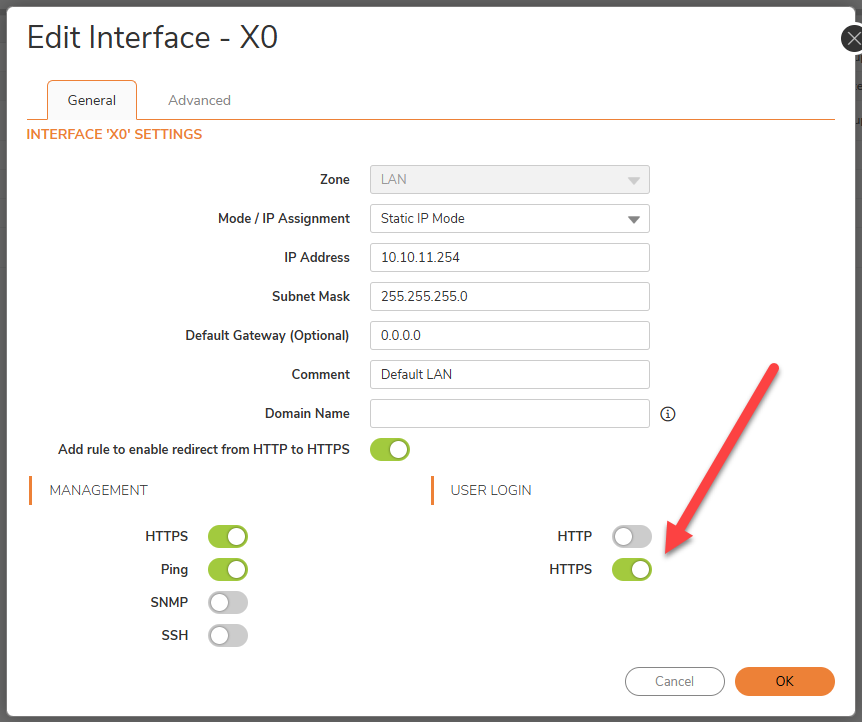
- Check if access via the user on the Web Gui works, especially if you use a custom user.
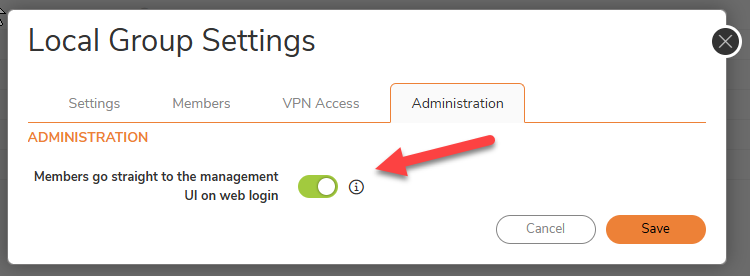
- Make sure that the custom user is directly in the GUI after logging in and does not get the Session Window.
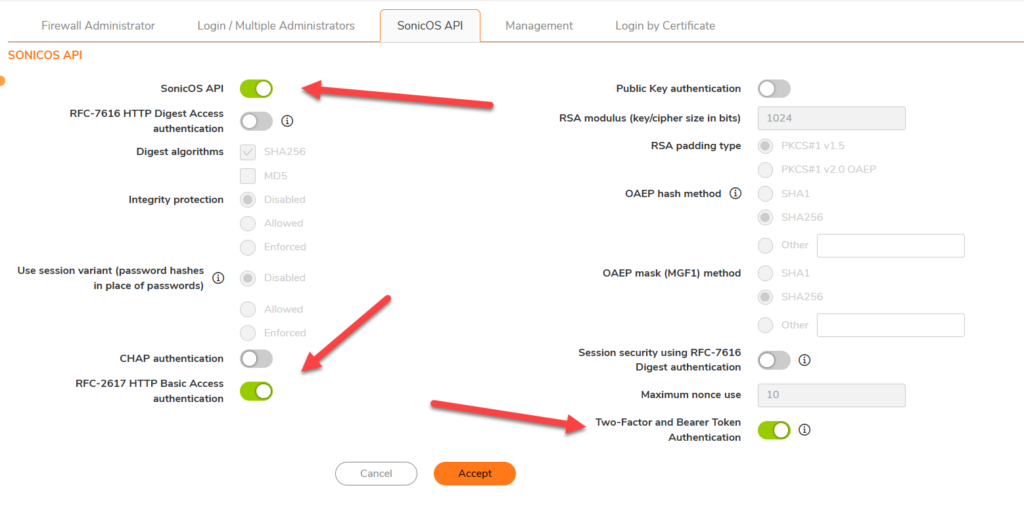
- if you use a custom user and have problems, try the admin user and see if that works. If not, API Access is not correctly configured. If it works with the admin user, but not local custom user, check the steps above.
- check the Firewall Logfile
- check the Firewall Toolbox Logfile
- Try to access the firewall with an API Tool like “Postman” or ARC Rest client.
Additional Information:
You cannot disable the user, but you can set the expiration date. (In case you do not want the user to stay active after the API operation)